Comments & reactions
Comments are how the conversation around an issue happens. Each comment is a permanent journal entry on the issue, so the discussion stays with the work it's about.
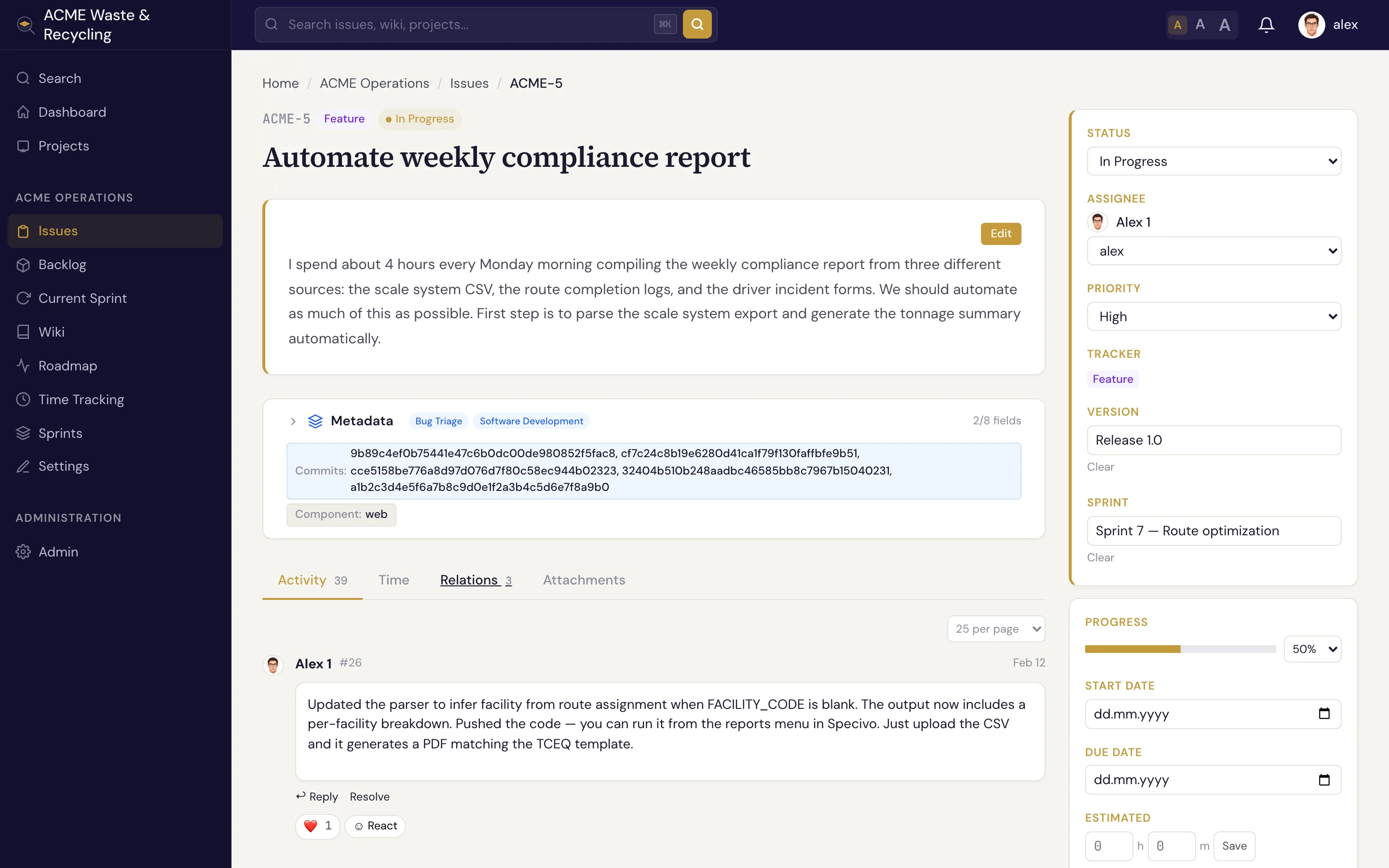
Write a comment
Scroll to the comment box on an issue, write your update, and post it. Comments are Markdown, so you can use lists, tables, links, and fenced code blocks with syntax highlighting.
Mention teammates
Type @username to mention someone. Mentioning a person notifies them, which is the easiest way to
pull a teammate into the discussion or hand something off without reassigning the whole issue.
Reply in threads
Reply to a specific comment to keep a side discussion together as a thread, instead of one long flat list. This keeps related back-and-forth readable even on busy issues.
React with emoji
Add an emoji reaction to a comment — a quick thumbs-up or eyes — when you want to acknowledge something without adding another comment to the thread.
Comments are permanent
Comments are part of the issue's permanent history. They're meant as a record of the discussion, so treat them as you would a logbook entry. Changes to the issue's fields are recorded separately in its history.