Projects
A project is the container that holds a body of work: its issues, its wiki, its versions, its sprints, and a member list with roles. Every issue, wiki page, and time entry belongs to exactly one project. Most of what you do in Specivo happens inside one.
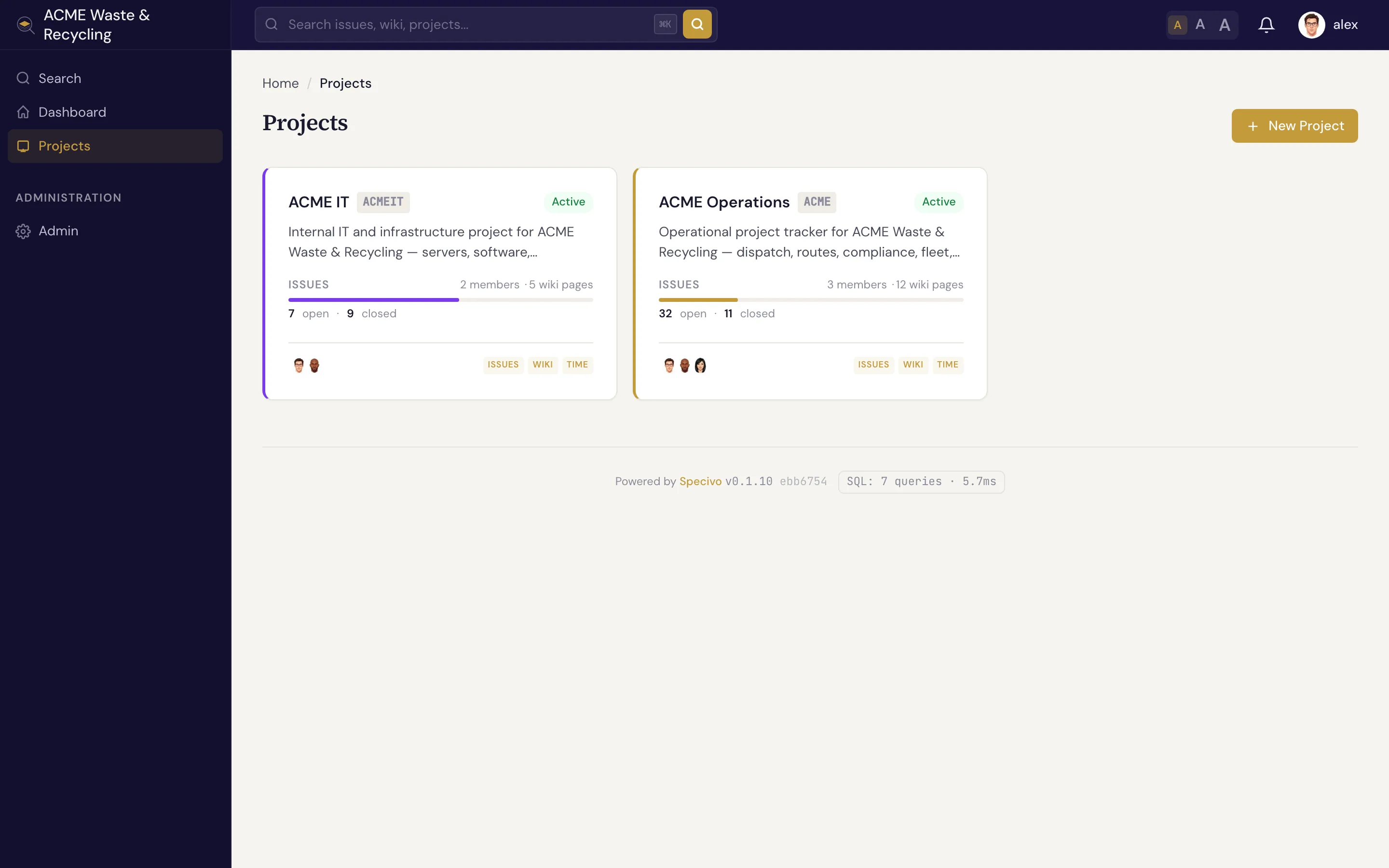
What defines a project
| Field | What it holds |
|---|---|
| Name | The human-readable title, shown in lists and headers |
| Key | A short uppercase prefix like ACME that brands every issue (ACME-1, ACME-42). It never changes. |
| Identifier | The URL slug used in links, e.g. /projects/acme/ |
| Parent | An optional parent project, so you can nest related projects under one umbrella |
| Visibility | Public (anyone who can reach the site can read it) or private (members only) |
| Color | A color used to tint the project in lists and badges so it's easy to spot |
The key is the part you'll type and paste most. Once people learn that ACME-42 is an issue in
the ACME project, that reference works everywhere — in chat, in commit messages, and in
search.
Member roles
People join a project with a role that decides what they can do. Specivo ships with four:
| Role | For | Can do |
|---|---|---|
| Manager | Project leads | Full control — settings, members, versions, sprints, workflow, and all issue and wiki actions |
| Developer | People doing the work | Create and update issues, log time, edit wiki pages, comment |
| Reporter | Stakeholders and requesters | File and comment on issues, follow progress |
| Agent | Automation and API/MCP accounts | A role scoped for service accounts that act through the API |
The Agent role exists for AI assistants and automation. Teams usually create a dedicated service account, give it the Agent role on the projects it should touch, and issue it an API key. See AI agents & MCP.
Roles are per project
A person can be a Manager in one project and a Reporter in another. Membership and role are set on each project, not globally.
Project status
A project is in one of three states:
- Active — the normal state; the project is open for work.
- Closed — work has wound down. The project stays fully readable, but it's marked as no longer active so it drops out of the day-to-day view.
- Archived — kept for the record. The project is preserved but tucked away.
The project overview
The overview is the project's home page. It pulls together the project's name, description, and quick links to its issues, roadmap, sprints, wiki, and time, so you can see the shape of the project at a glance and jump to the area you need.
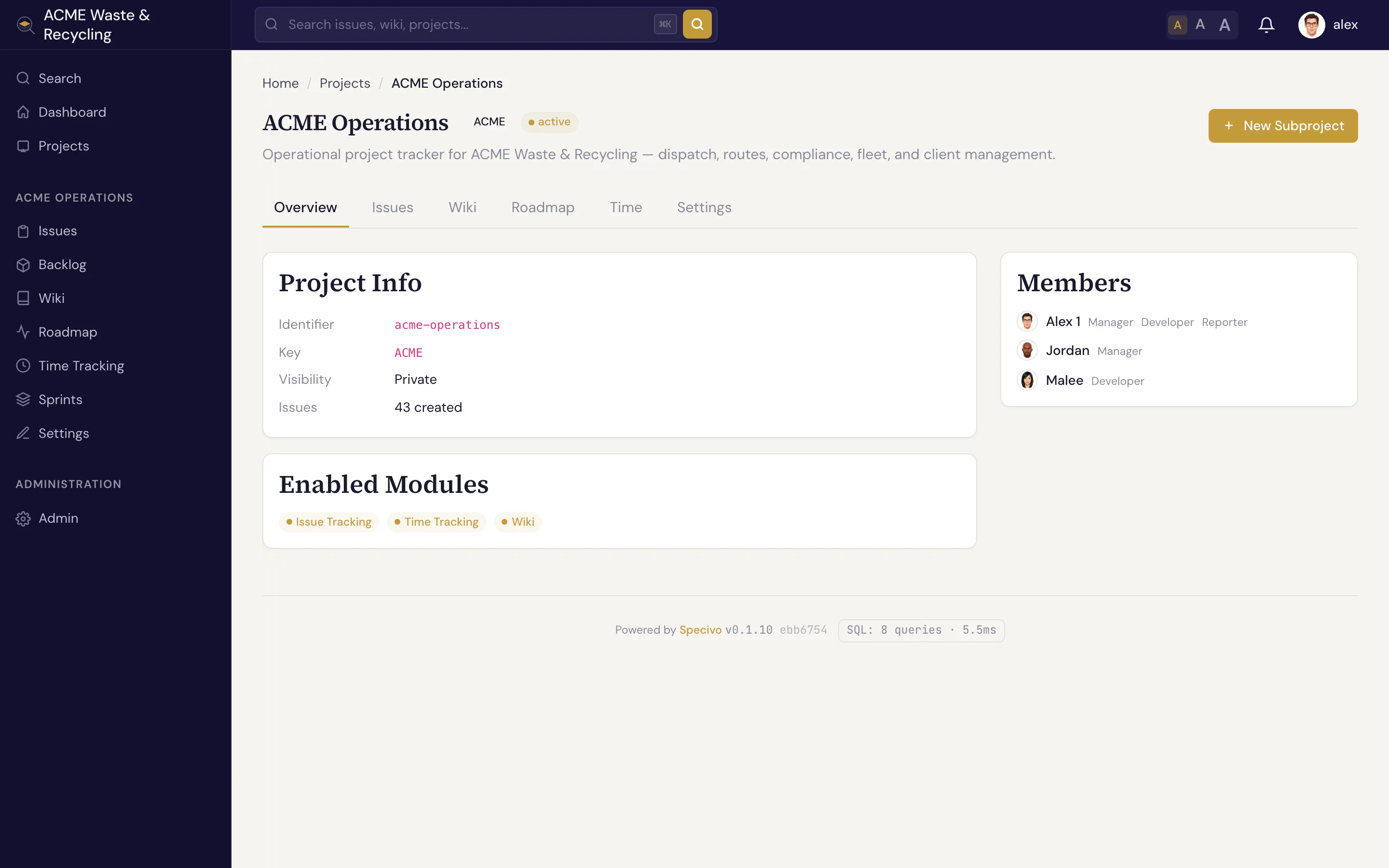
From here you typically branch out to:
- Versions & roadmap — group issues toward releases and watch progress.
- Sprints — plan and run time-boxed iterations.
- Recurring tasks — patterns that generate issues automatically on a schedule.
- Time tracking — log hours and read reports.