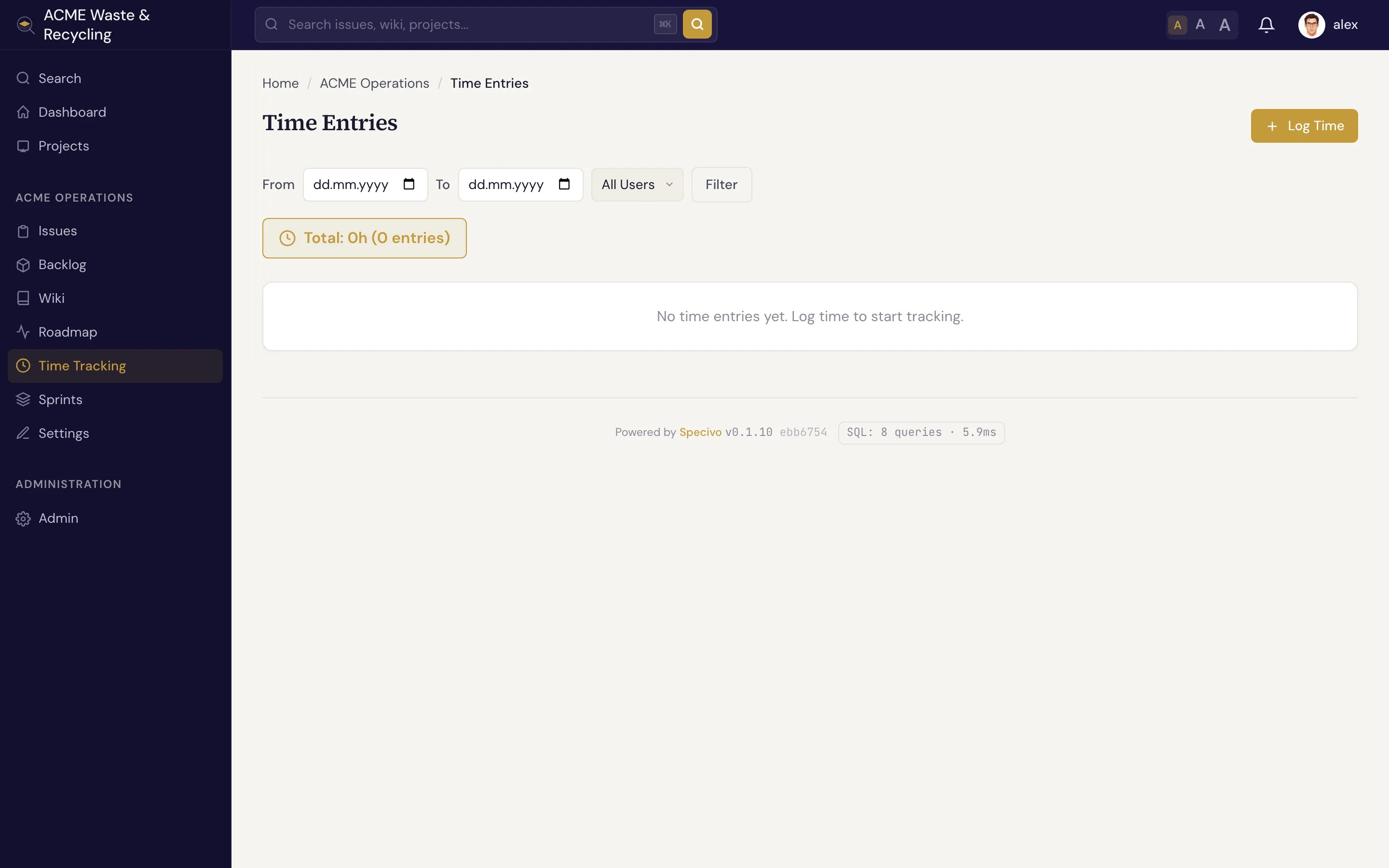
Time tracking
Specivo lets you log time against the work you do — hours spent on an issue or a project, tagged with the kind of activity. Logged time rolls up into reports so you can see where effort goes and compare it against your estimates.
Log time against an issue
Open the issue and add a time entry: the number of hours, the date, an activity, and an optional comment. Logging against an issue is the common case, because it ties the effort to a specific piece of work. You can also log time at the project level for work that doesn't map to one issue.
Activities
Every entry is tagged with an activity so reports can break effort down by type:
| Activity | For |
|---|---|
| Development | Writing and changing code — the default |
| Design | UI, UX, and design work |
| Testing | QA, test writing, verification |
| Meetings | Planning, standups, reviews |
| Support | Helping users, answering requests |
Development is selected by default, so the common case is one click less.
Estimate versus spent
Issues carry an estimate — estimated hours, with original and remaining estimates — alongside the time actually logged. Comparing the two tells you whether a piece of work is on track: an issue estimated at 8 hours with 12 logged and still open is a signal worth a look. See the full field set in What is an issue?.
The project Time area
Each project has a Time area that lists time entries and rolls them into reports — totals by activity, by person, and over a date range — so a Manager can see how effort is spread across the project.