Wiki overview
Every project in Specivo has its own wiki — a knowledge base where you keep the things that don't belong in an issue: design notes, runbooks, onboarding docs, meeting decisions, conventions. Pages are written in Markdown, they link to each other, and they keep a full edit history so nothing is ever lost.
There is one wiki per project. Open it from the project's Wiki tab.
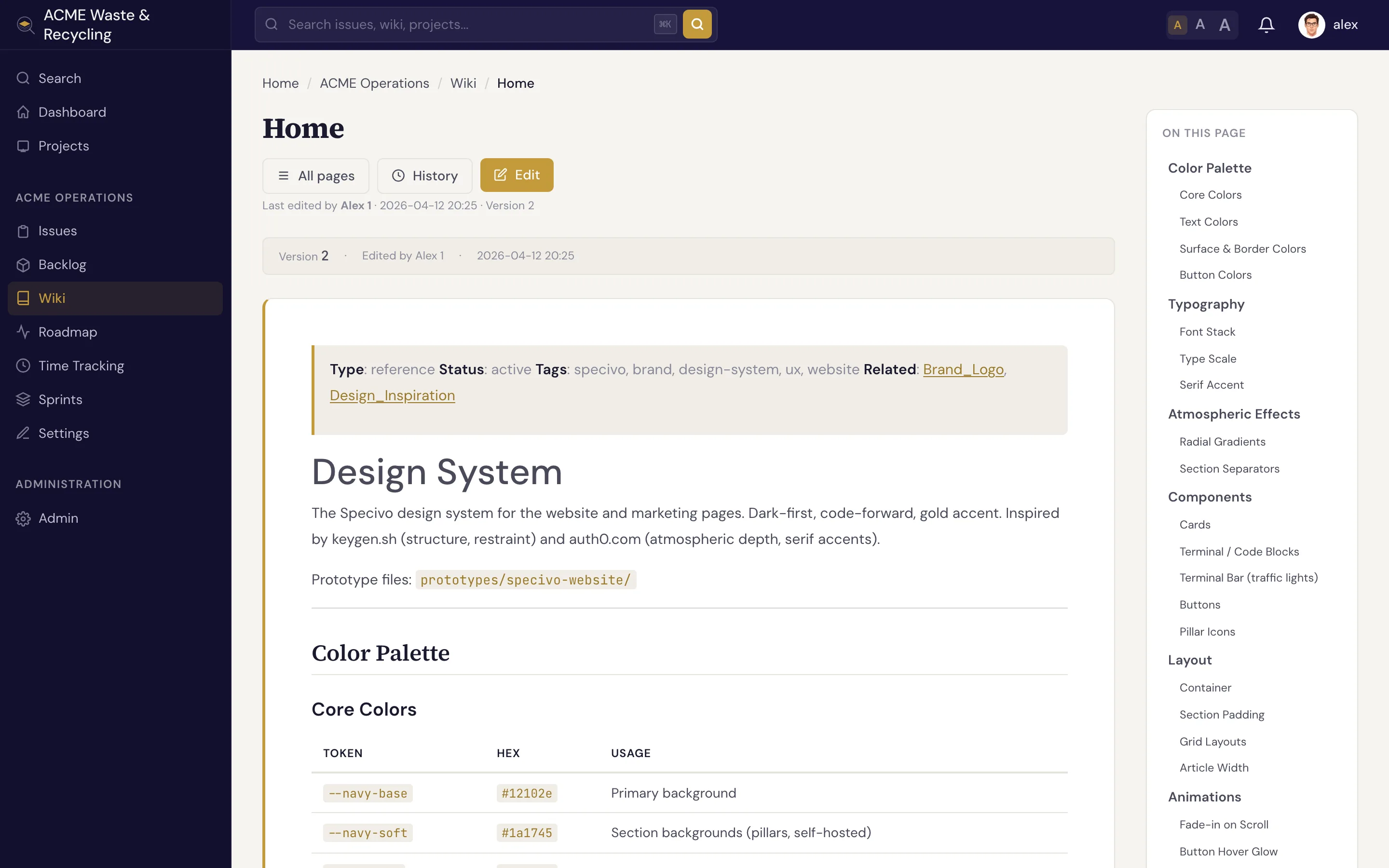
What a wiki page is
A wiki page has a title and a Markdown body. The title is what readers see as the heading and in links; from it Specivo derives a URL slug automatically. You write the title — Specivo handles the slug.
| Part | What it is |
|---|---|
| Title | The human-readable name, shown as the page heading |
| Slug | The URL-safe identifier, derived from the title |
| Body | Markdown content — headings, lists, tables, code, images, links |
Pages support the same Markdown as issue descriptions and comments, plus wiki-only cross-links with
[[Page Name]]. See History & linking for cross-links, and the
Markdown reference for everything you can write.
Slugs are normalized
You don't have to remember exactly how a page name was capitalized or spaced. Slugs are normalized, so all of these resolve to the same page:
My Pagemy-pageMy_Page
That means a link, a search result, and a hand-typed URL all land in the right place even if the casing or separators differ.
A title with no Latin letters or digits — a Thai-only title such as คู่มือเริ่มต้น, say — still gets
a usable, unique address (page-<id>) rather than an empty slug, so non-Latin pages link and resolve
just like any other.
Use spaces in titles, not underscores
When you create a page, type the title with spaces — Release Process, not Release_Process.
Specivo turns that into a clean slug (release-process) on its own. Underscores in the title just
make the heading look awkward.
Nested pages
A page can have a parent, so you can build a hierarchy instead of one flat list — for example a
top-level Onboarding page with Onboarding / Dev Setup and Onboarding / Accounts beneath it.
Nesting is organizational; it keeps related pages grouped and easier to browse.
Protected pages
A page can be marked protected, which makes it read-only. Use this for content that should be stable and not edited casually — published policies, finalized specs, or reference material. Readers can still open and link to a protected page; only its protected state controls whether it can be edited.
What's next
- Creating & editing pages — write a page, edit it, attach files, and edit by section.
- History & linking — version history, revert, trash, and
[[cross-links]].